How to fix a CSV file that is not being converted
Image

- Read more about How to fix a CSV file that is not being converted
- 16 comments
- Log in or register to post comments
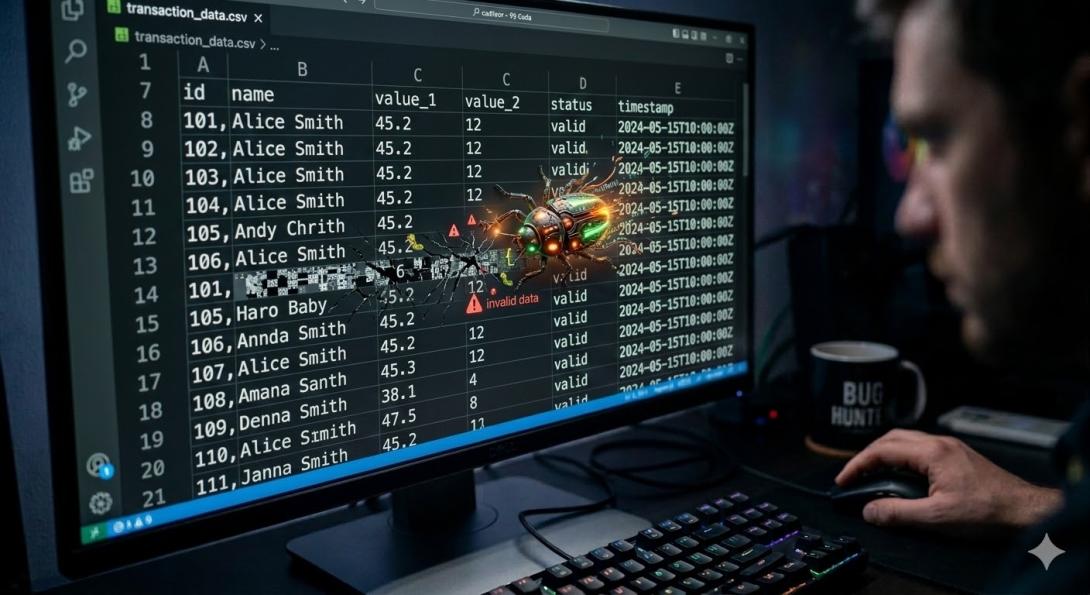
I you are having errors when converting your CSV file, it might be because the columns are not being recognized.
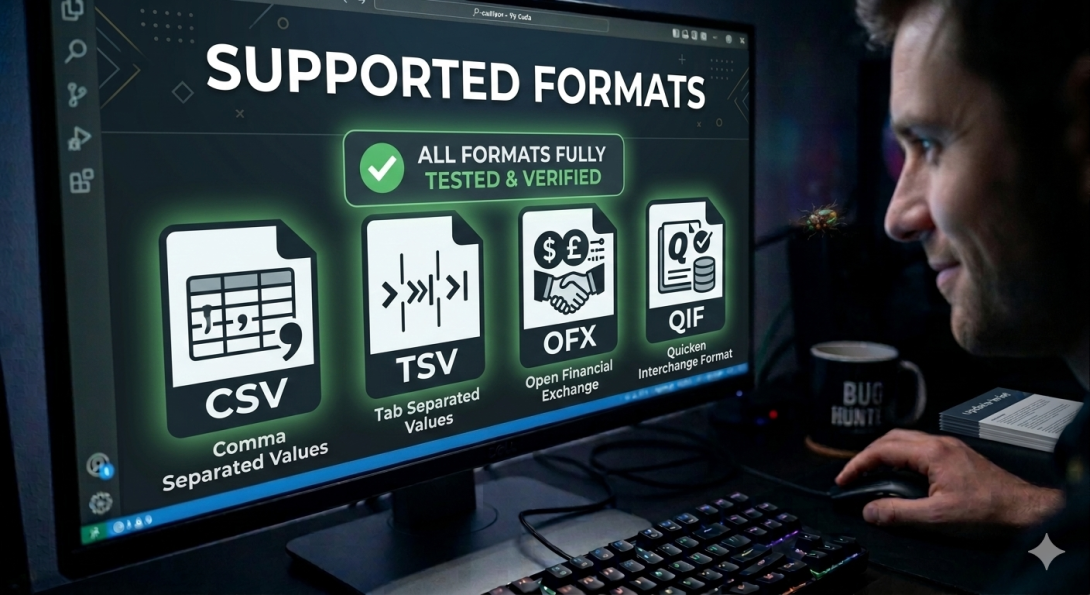
CSV Converter supports a wide range of CSV formats, but sometimes, it's difficult to figure out the structure.
Each operating system has its own encoding, the most common is UTF-8. Linux writes files in a different way that Mac OS or Linux do. Each provider will have a different field delimiter, like commas or semicolons.
The example below uses semicolons:
01 Jan 2015; Supermarket; -100,00